

Change User Timeout Settings
Last updated: Apr 17, 2026
Who can complete this task?
Vault Admin designated as Domain Admin
The user timeout, or the time after which users are required to log back in, can be changed by a Domain Admin. This setting is configured at the domain level, therefore it applies to all users in all Vaults within the domain.
To change the user timeout:
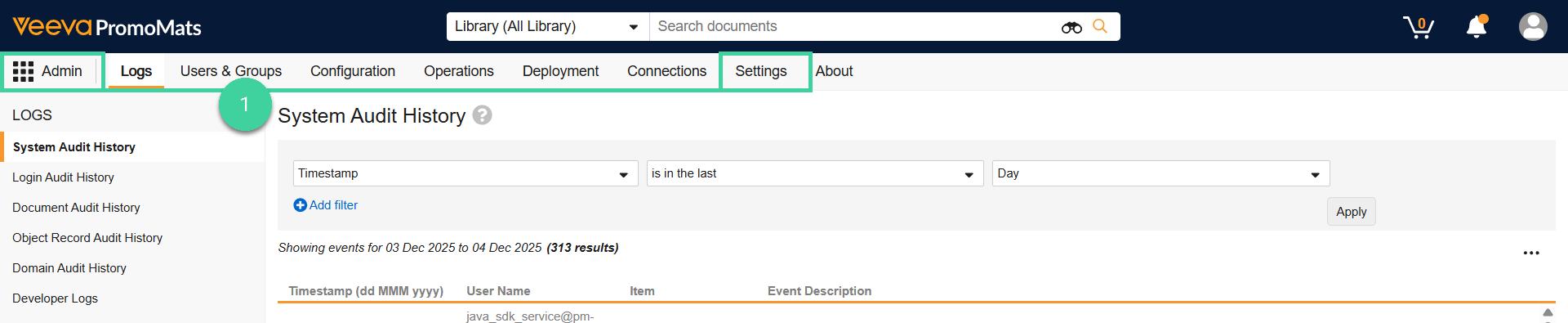
- Navigate to the Settings tab of the Admin tab collection.
- Click Domain Settings, then click Edit.
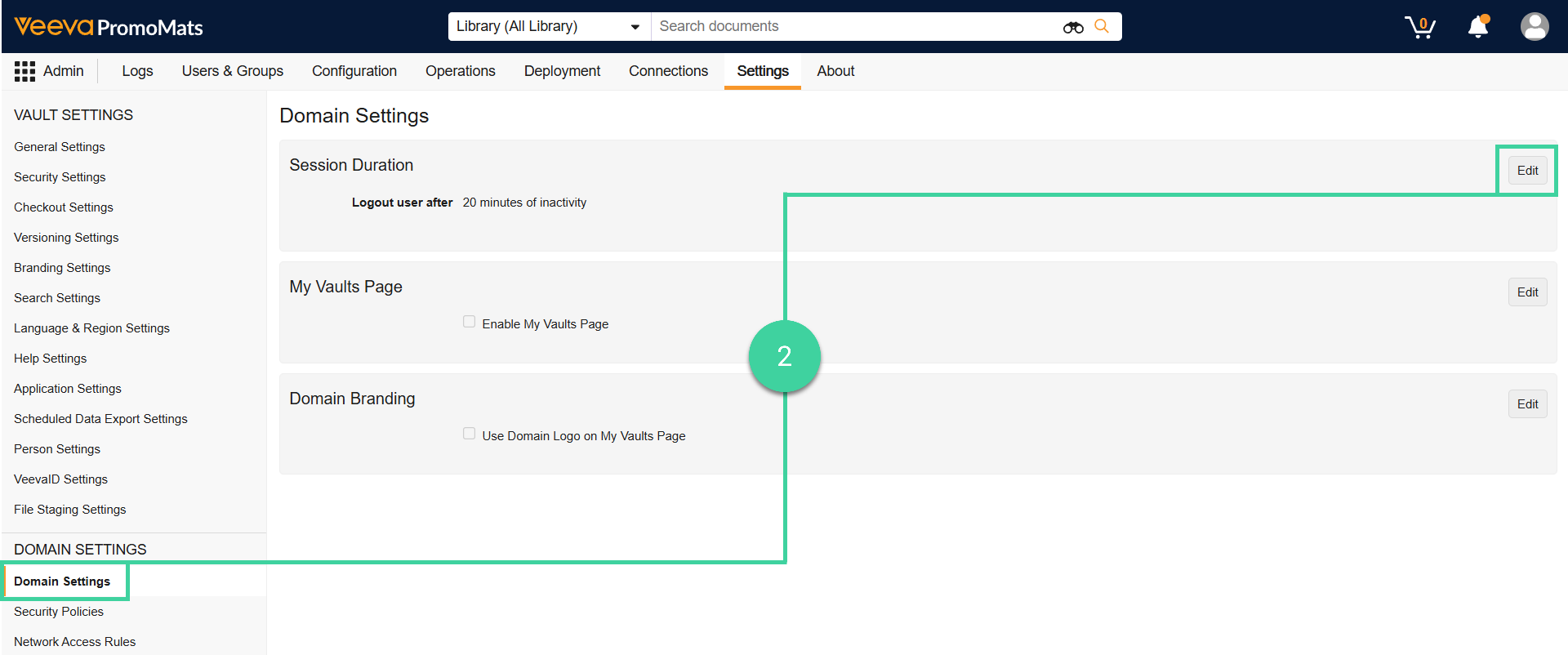
- Change the Logout user after field from to the desired duration, then click Save.

Note
The default user timeout is 20 minutes.