

Send Stability Study for Final Approval
Last updated: Apr 17, 2026
Who can complete this task?
Veeva LIMS Basics: Stability Design & Study Admin
Once all timepoints for a study are complete and the final Stability Report has been generated, you can send the study for final approval.
Note
Stability report approval can be going on in parallel to final study approval but ultimately the study needs to be approved last.
To send a stability study for final approval:
Navigate to Design & Admin > Stability > Studies and select the stability study record.
Select Send for Final Approval from the All Actions menu.

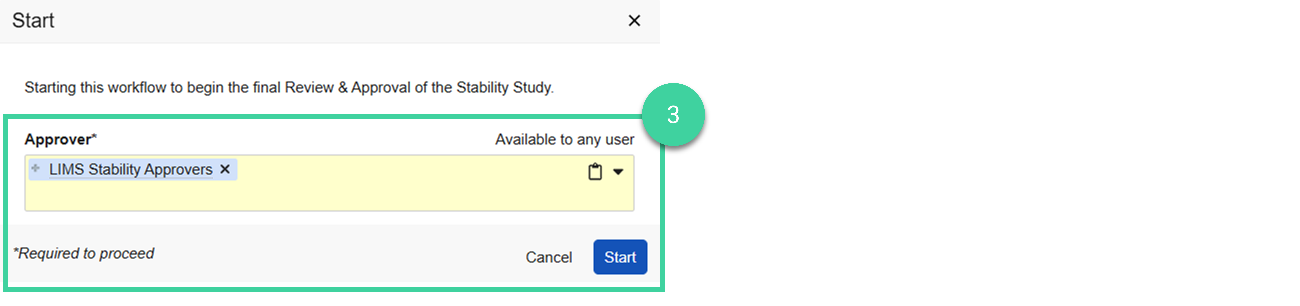
Select the approver (can be an individual or a group). If you specify a group, only one person in that group will need to accept and complete the review and approval task. Click Start.
The stability study record changes to In Review.