

Create Scientific Assets
Last updated: Apr 17, 2026
Who can complete this task?
Veeva MedComms Basics: Vault Admin, Medical Admin, Full-User
Scientific Assets are graphics, tables, images, and other visual components that support but do not substantiate scientific statements.
To add a scientific asset:
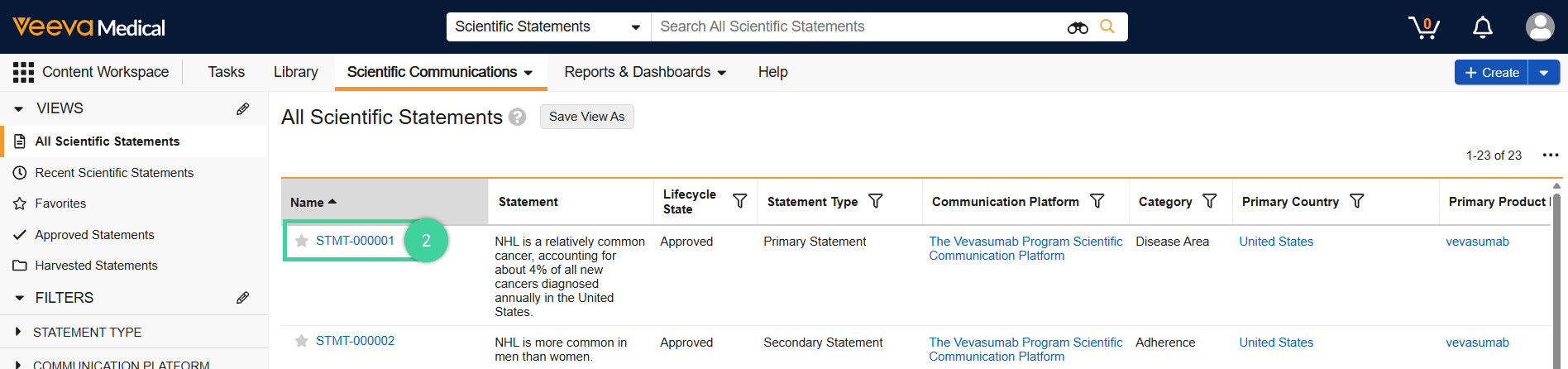
In the Content Workspace, navigate to Scientific Statements from the Scientific Communications dropdown menu.

Click a Scientific Statement.
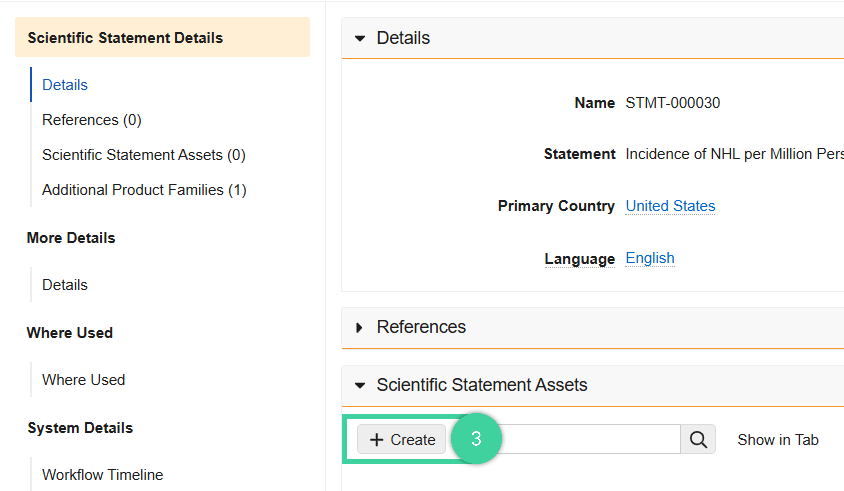
Click Create located under the Scientific Statement Asset section.
Click Asset finder.

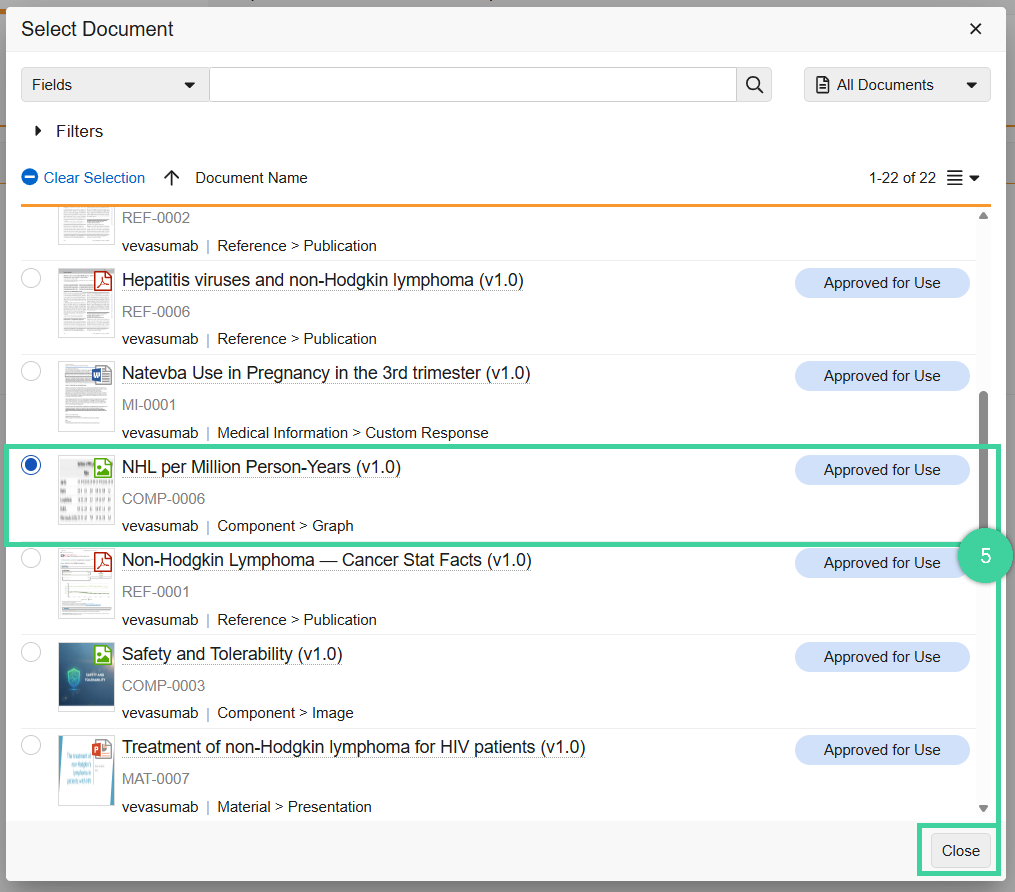
Select a statement component in the list. Click Close.
Click Save.
