Create Scientific Statement
Last updated: Apr 17, 2026
Who can complete this task?
Veeva MedComms Basics: Vault Admin, Medical Admin, Full-User
A scientific statement is a data-backed text. These statements serve as the foundational messaging for a product.
To create a scientific statement:
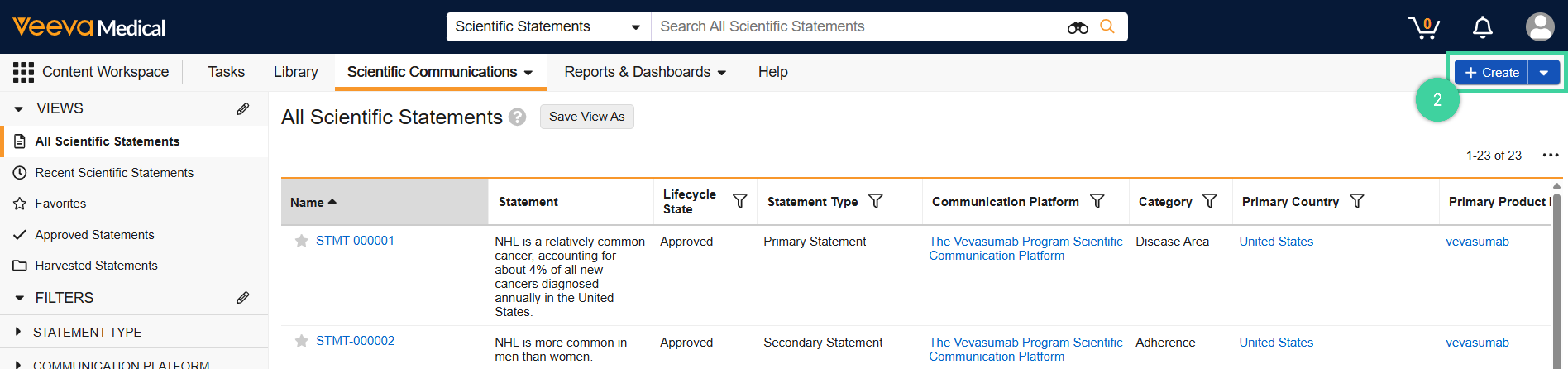
In the Content Workspace, navigate to Scientific Statements from the Scientific Communications dropdown menu.

Click Create.
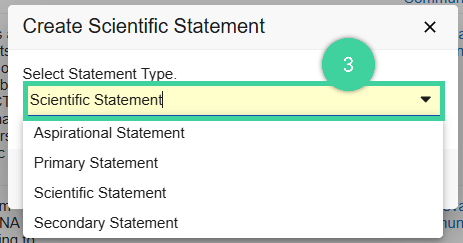
Select the Statement Type, from the dropdown menu and click Continue. The following statements are available:
- Aspirational Statement: A statement that’s part of the scientific communication platform that identifies a gap or unmet need in the current narrative and does not require a Reference.
- Primary Statement: Main statement that supports the associated Communication Objective that’s part of the scientific communication platform.
- Scientific Statement: Generic statement that is not related to a scientific communication platform and created directly from the Scientific Statements tab.
- Secondary Statement: A detailed statement that’s part of the scientific communication platform that supports the Primary Statement and Communication Objective.
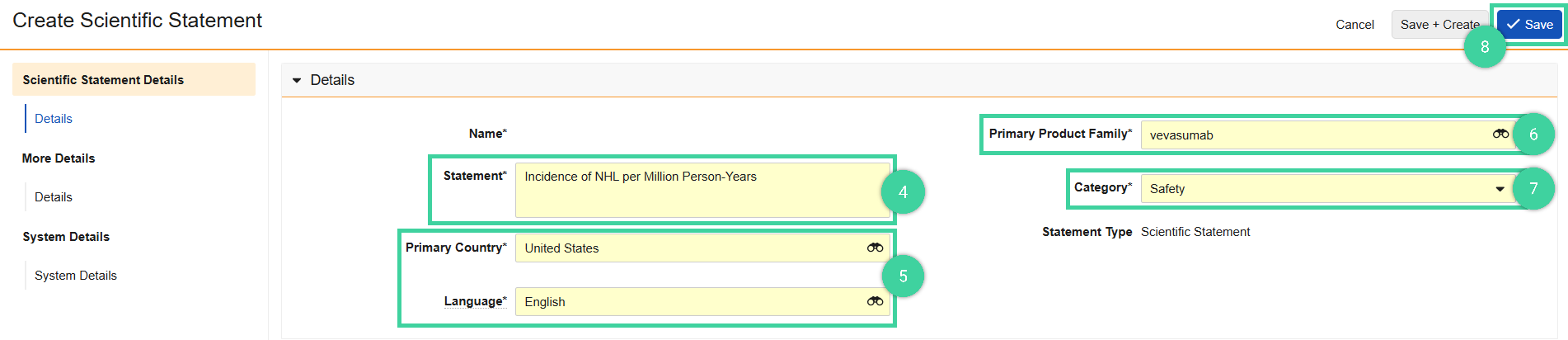
Enter the Statement primary description.
Select the Primary Country and Language.
Select the Primary Product Family.
Enter the scientific statement’s Category.
Click Save.