Create a Document
Last updated: Apr 17, 2026
Who can complete this task?
Veeva PromoMats Basics: Agency, Content Manager, Material Coordinator, Medical, Legal, Regulatory
To create a document:
In the Content Workspace, click Create.

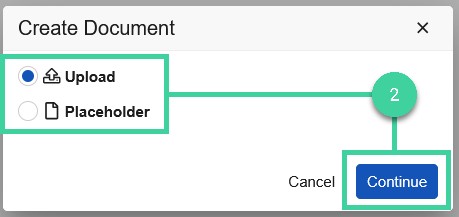
Choose whether the document should be a full document upload, or placeholder. Placeholder documents allow you to add the document itself at a later date.
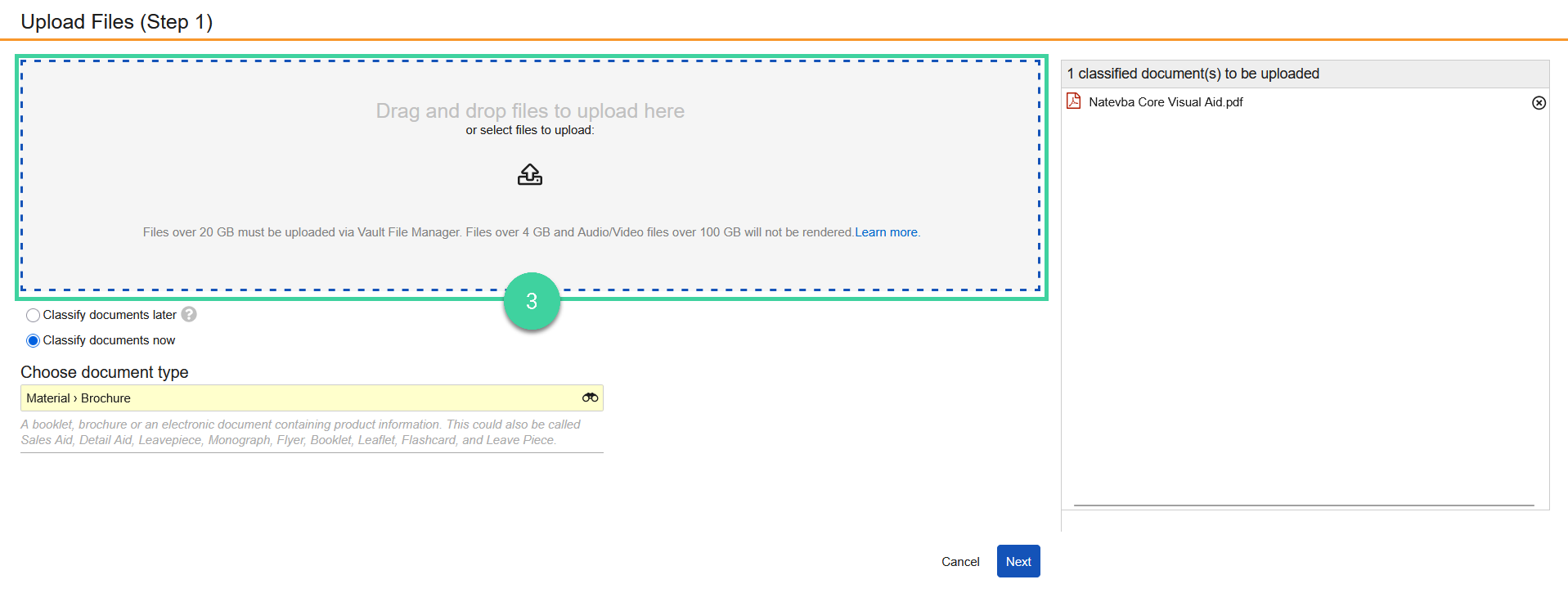
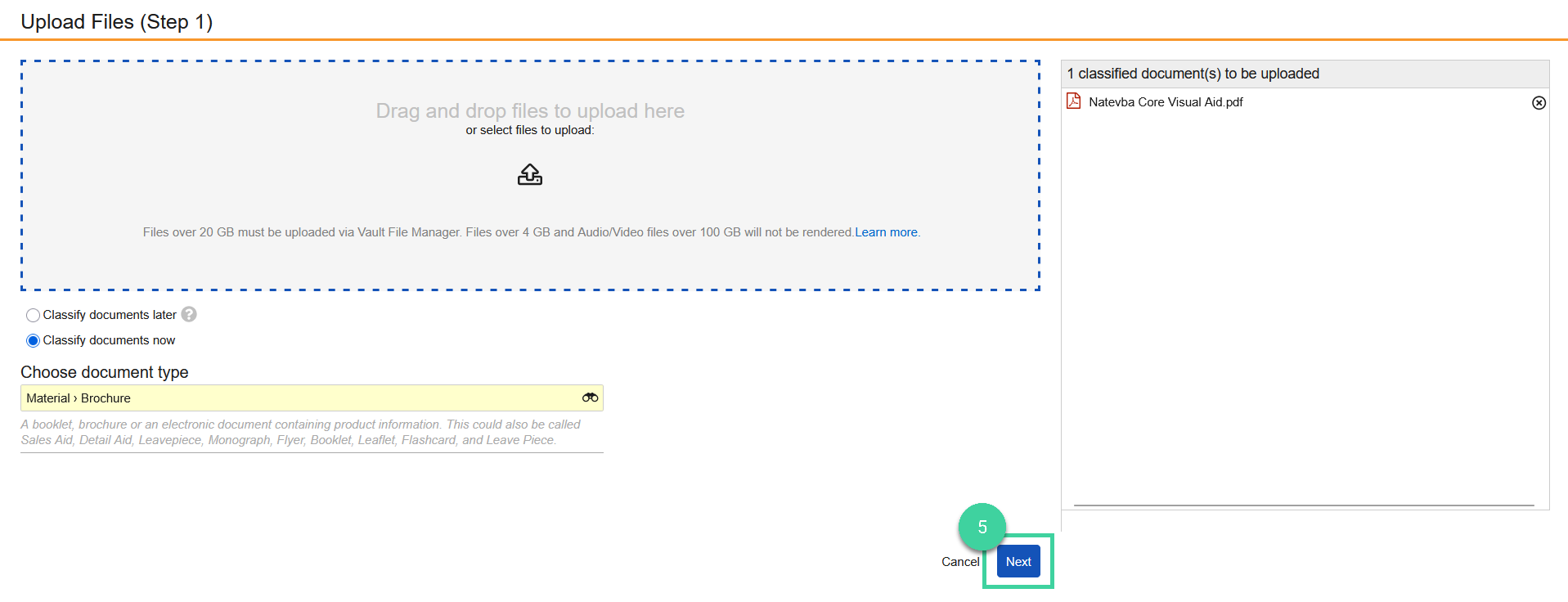
Select a document to upload via the file picker, or drag and drop.
Choose whether the document should be classified now, or later. If the document is to be classified now, select the appropriate classification.
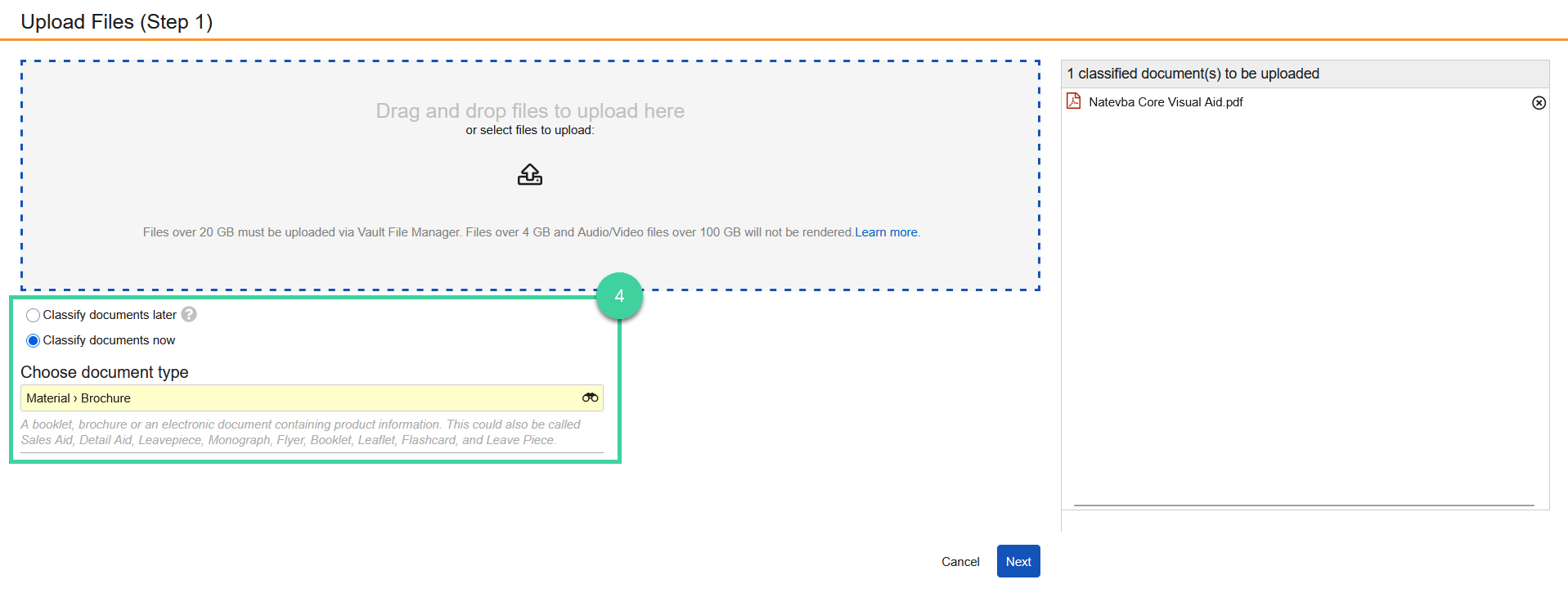
Click Next.
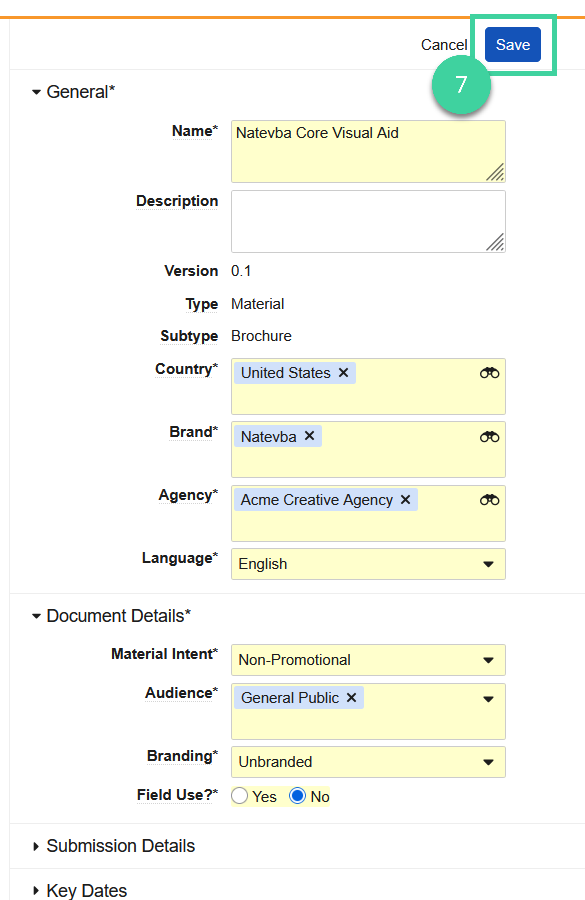
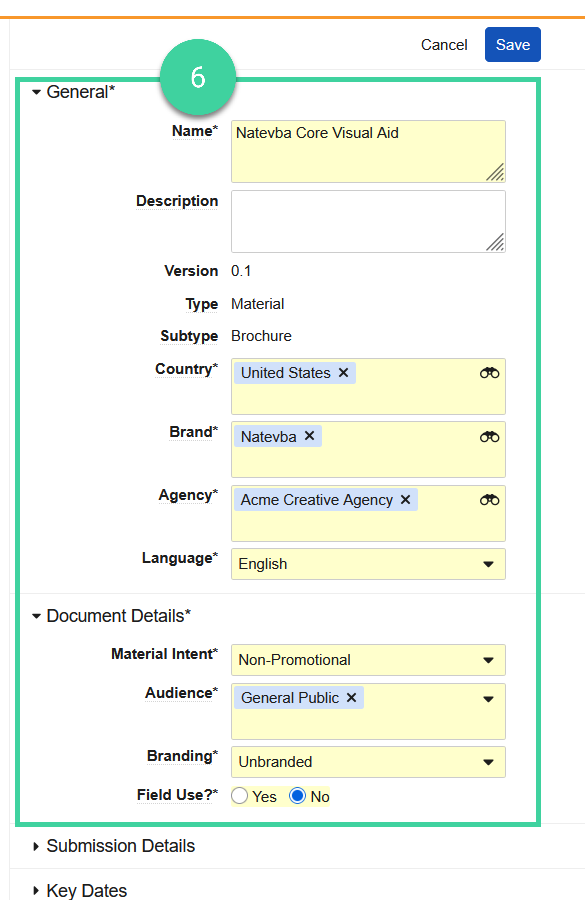
Enter all relevant fields for the document. Required fields are yellow.
 Best Practice The Planned Date of First Use field in Key Dates should be used to help contextualize reviewers on the intent and the allowed messaging of the piece.
Click Save.