

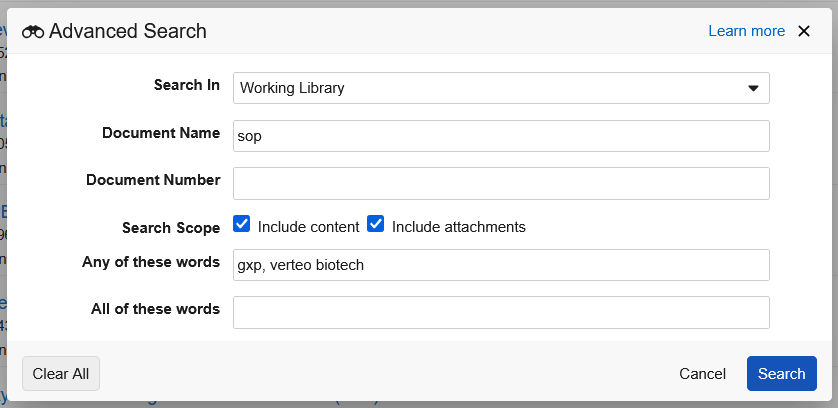
Can’t find that document you know exists? Advanced Search helps you locate documents even when you only remember bits and pieces. Using it allows you to search within the title, attachments, and even the content itself.

In the popup, you can search specifically for the name or number, select Include content or Include attachments to search throughout a document’s content or attachments (respectively), or even provide an array of words that should be included in the search.
Check out Search & Filter for a full rundown of search in Veeva Basics.