

When you need to understand what happened to a document, for example, who approved it, when a task was completed, or why a workflow was cancelled, the Timeline View gives you a complete picture in one place.
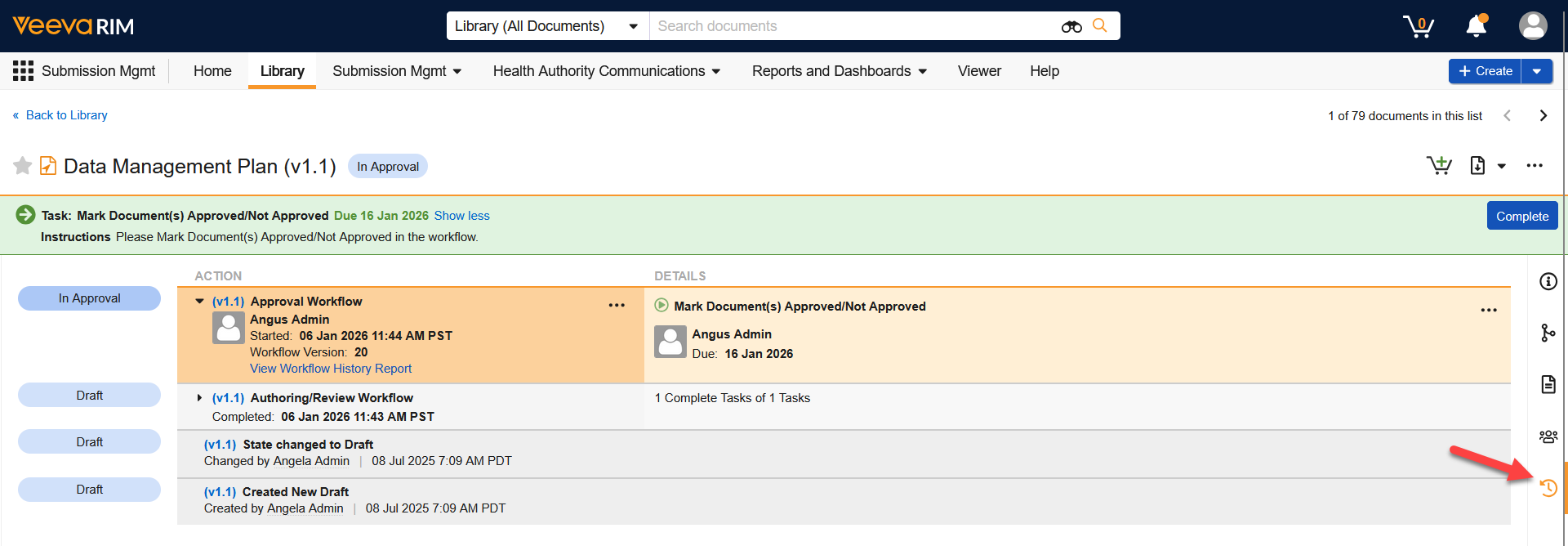
You can access the Timeline View via the icon in the Doc Info Pane. Here, you’ll see a detailed list of the document’s states, workflow history, and open tasks - complete with timestamps of every action. To dig further into the history of a specific workflow, expand it and click View Workflow History Report.