← Back to Tips & Tricks
Using the PromoMats Basics Doc Info Pane
Published on January 15, 2026
App Family
App
General
The panels in the Doc Info pane provide a wealth of resources for interacting with a document.
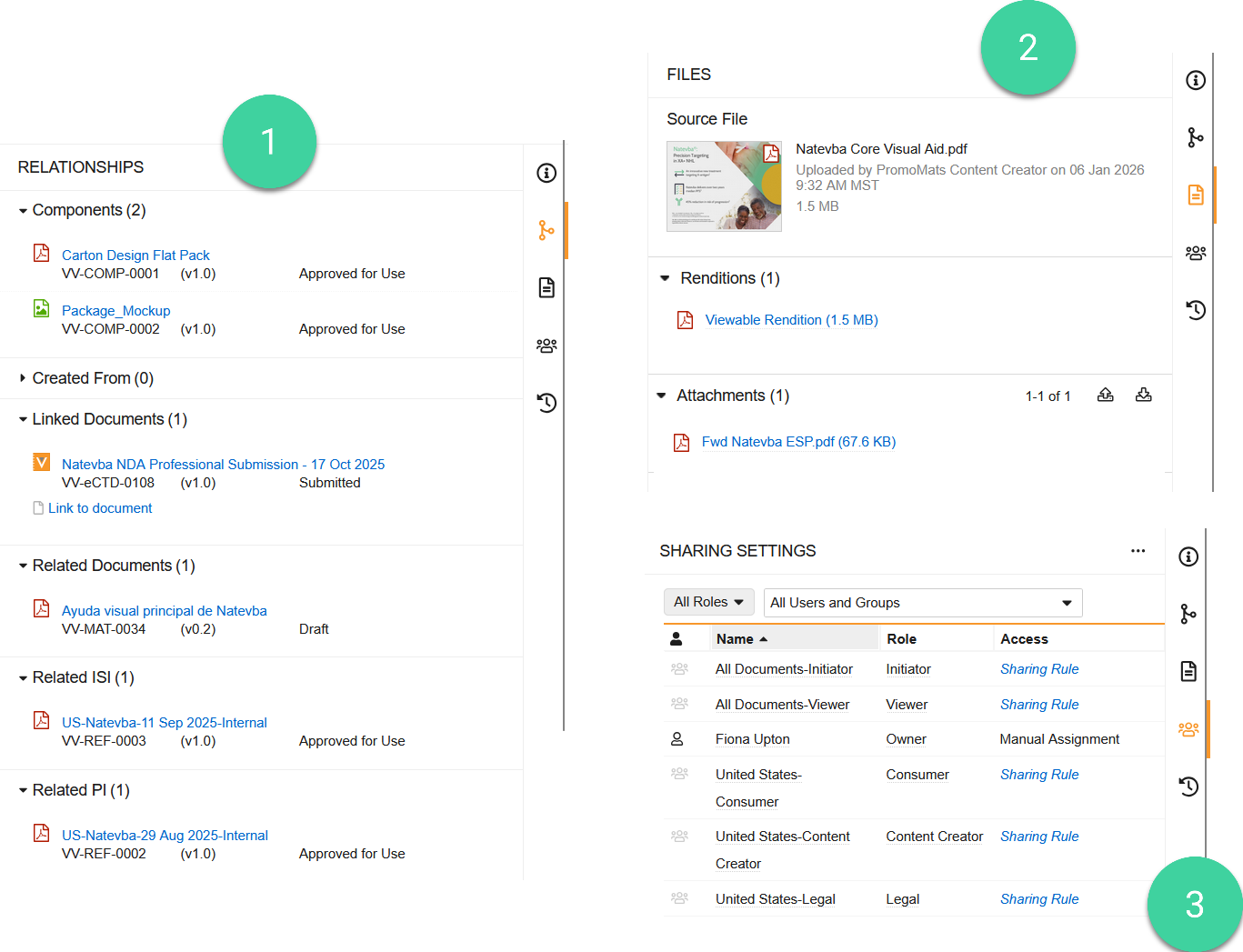
For example, you can connect Important Safety Information (ISI) and Prescribing Information (PI) in the (1) Relationships panel (), then attach a related email thread in the (2) Document Files panel ().
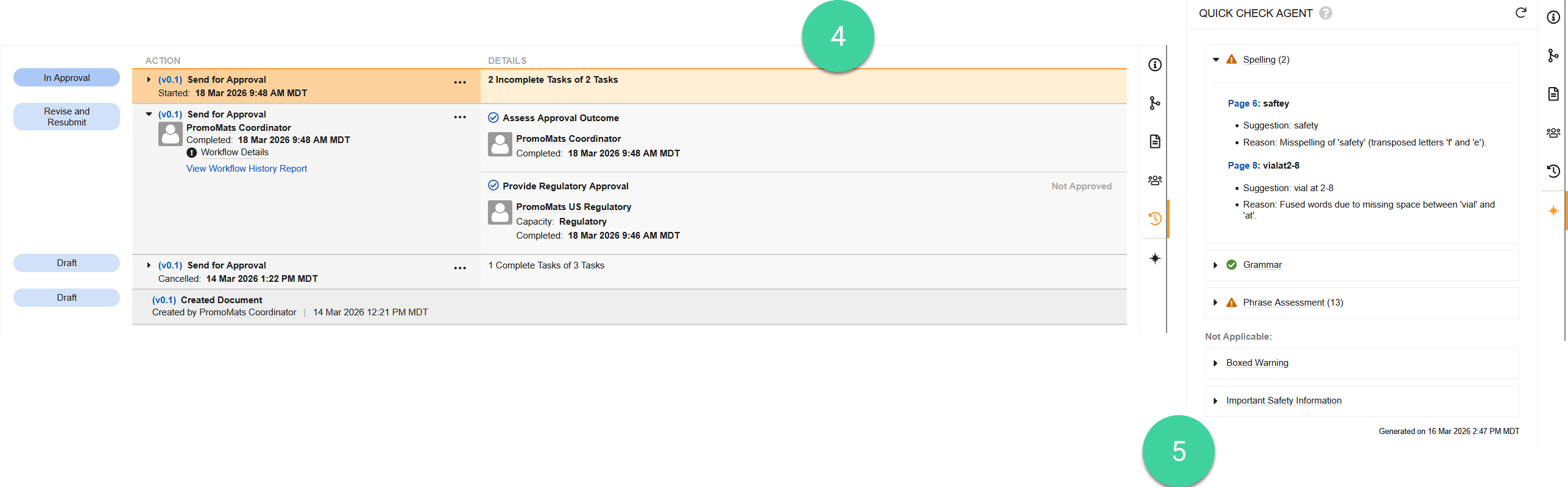
Additionally, you can view document access info via the (3) Sharing Settings panel (), view workflow & task history via the (4) Timeline View panel (), or use Veeva AI’s Quick Check Agent panel () to detect various issues in a document prior to submitting it for review.